Under construction. More sets are on the way.
Home
GAME

Ranged Enemies

6 ways to shoot

Tested in Unity · Godot · Web
1

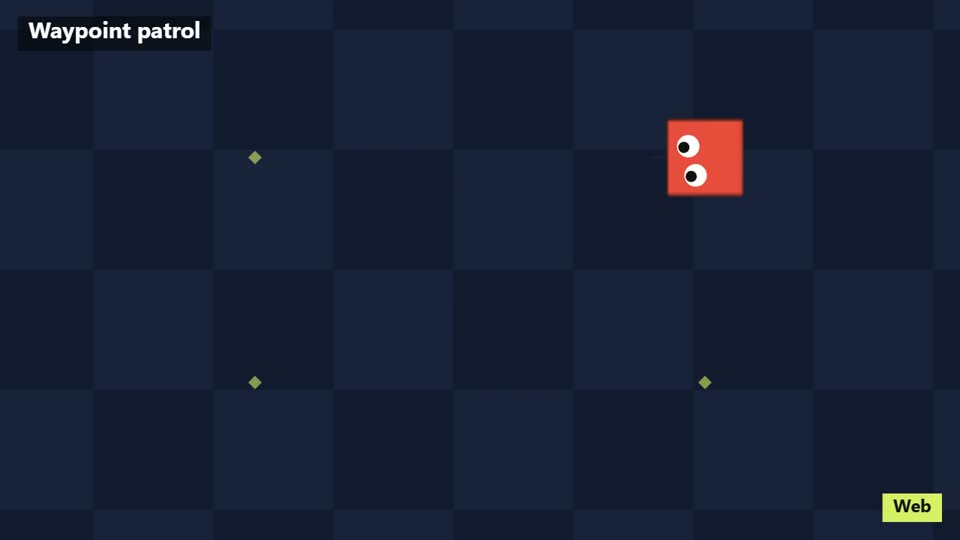
Kiting

Keeps its distance and shoots. Get close and it backs off.

prompt.txt774 chars
Make my enemy kite the player: it keeps 4 to 6 body lengths away, backing off when the player comes closer and following when they leave, and fires a bullet at the player about once a second while in range.
Feel: It never lets the player get close, and never stops harassing them.
Bullets are small separate objects that fly straight at 1.5 times the player's speed and disappear off screen.
If the player or the enemy is missing, add plain colored squares (player at the left-middle of the screen, enemy at the upper right); the player moves with WASD or the arrow keys.
Use my project's own speeds and sizes. If it has none: the player crosses the screen in 2.5 seconds, the enemy moves at 90% of that, bodies are 1/16 of the screen height.
Keep it frame-rate independent.

Works with any AI coding tool. Paste it into your project and run.
2

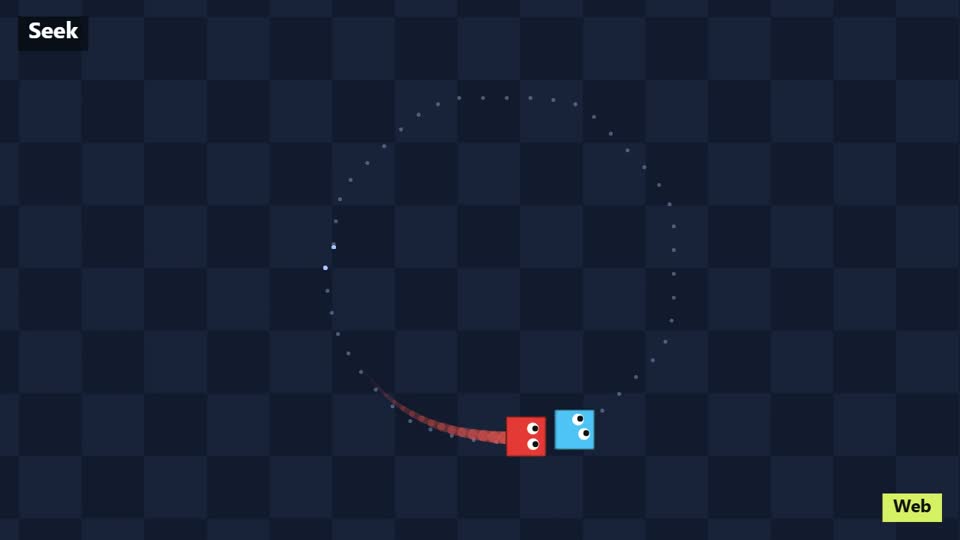
Lead shot

Fires where you'll be, not where you are.

prompt.txt796 chars
Make my enemy a turret with predictive aim: it stands still and every 1.2 seconds fires a bullet at where the player will be when the bullet arrives (player position + player velocity × the bullet's travel time).
Feel: Running in a straight line gets you hit; standing still, it shoots straight at you.
Bullets are small separate objects that fly straight at 1.5 times the player's speed and disappear off screen.
If the player or the enemy is missing, add plain colored squares (player at the left-middle of the screen, enemy at the upper right); the player moves with WASD or the arrow keys.
Use my project's own speeds and sizes. If it has none: the player crosses the screen in 2.5 seconds, the enemy moves at 90% of that, bodies are 1/16 of the screen height.
Keep it frame-rate independent.

Works with any AI coding tool. Paste it into your project and run.
3

Burst fire

Three quick shots, a pause, three more.

prompt.txt673 chars
Make my enemy a turret that fires in bursts: it stands still, fires 3 bullets at the player 0.15 seconds apart, pauses 1.5 seconds, and repeats.
Feel: Rat-a-tat, pause, rat-a-tat.
Bullets are small separate objects that fly straight at 1.5 times the player's speed and disappear off screen.
If the player or the enemy is missing, add plain colored squares (player at the left-middle of the screen, enemy at the upper right); the player moves with WASD or the arrow keys.
Use my project's own speeds and sizes. If it has none: the player crosses the screen in 2.5 seconds, the enemy moves at 90% of that, bodies are 1/16 of the screen height.
Keep it frame-rate independent.

Works with any AI coding tool. Paste it into your project and run.

4

Spread shot

A fan of five bullets at once.

prompt.txt718 chars
Make my enemy a turret with a spread shot: it stands still and every 1.5 seconds fires 5 bullets at once in a 60-degree fan, 15 degrees apart, centered on the player.
Feel: A wall of bullets that covers an area, not a point.
Bullets are small separate objects that fly straight at 1.5 times the player's speed and disappear off screen.
If the player or the enemy is missing, add plain colored squares (player at the left-middle of the screen, enemy at the upper right); the player moves with WASD or the arrow keys.
Use my project's own speeds and sizes. If it has none: the player crosses the screen in 2.5 seconds, the enemy moves at 90% of that, bodies are 1/16 of the screen height.
Keep it frame-rate independent.

Works with any AI coding tool. Paste it into your project and run.

5

Charged shot

Glows, locks on, fires one fast shot.

prompt.txt757 chars
Make my enemy a turret with a charged shot: it stands still, its whole body turns a warning color for 0.8 seconds, fires one very fast bullet at the player (twice the normal bullet speed), then rests for 1 second.
Feel: A tense glow, one fast shot, a calm second.
Bullets are small separate objects that fly straight at 1.5 times the player's speed and disappear off screen.
If the player or the enemy is missing, add plain colored squares (player at the left-middle of the screen, enemy at the upper right); the player moves with WASD or the arrow keys.
Use my project's own speeds and sizes. If it has none: the player crosses the screen in 2.5 seconds, the enemy moves at 90% of that, bodies are 1/16 of the screen height.
Keep it frame-rate independent.

Works with any AI coding tool. Paste it into your project and run.

6

Spiral turret

A rotating stream of bullets, like a sprinkler.

prompt.txt723 chars
Make my enemy a spiral turret: it stands still and ignores the player, firing 10 bullets a second while its aim turns steadily, each bullet 18 degrees further round than the last.
Feel: A hypnotic spiral sweeping round and round.
Bullets are small separate objects that fly straight at 1.5 times the player's speed and disappear off screen.
If the player or the enemy is missing, add plain colored squares (player at the left-middle of the screen, enemy at the upper right); the player moves with WASD or the arrow keys.
Use my project's own speeds and sizes. If it has none: the player crosses the screen in 2.5 seconds, the enemy moves at 90% of that, bodies are 1/16 of the screen height.
Keep it frame-rate independent.

Works with any AI coding tool. Paste it into your project and run.

More sets

Back to @promptcollections on Instagram
Prompt copied. Paste it into your AI tool.